
How to Make Your Business Profile Stand Out from Competitors
A well-optimised business profile is your digital storefront — often the first impression potential customers get before they even visit your website. This guide covers 10 practical ways to make your profile stand out, from writing a description that actually sells your value to showcasing every service you offer and building credibility with reviews
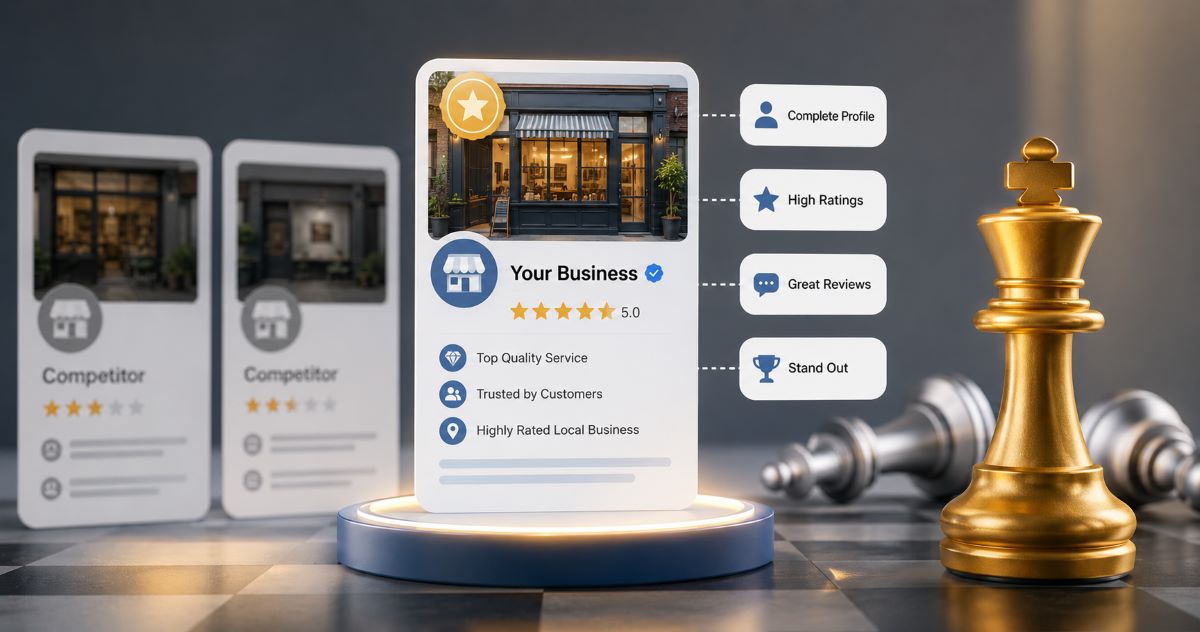
Introduction
When customers search for a local business online, they often compare several options before making a decision. If your business profile looks incomplete, outdated, or similar to everyone else's, there's a good chance they'll choose a competitor instead.
A well-optimised business profile isn't just about listing your contact details — it's about showcasing your expertise, highlighting what makes your business unique, and giving customers a compelling reason to choose you.
Whether you're a small business, freelancer, restaurant, or service provider, these practical, SEO-friendly tips will help your business profile stand out and attract more enquiries.
Why Your Business Profile Matters More Than Ever
Your business profile is your digital storefront. Before customers visit your website or contact you, they usually check your business information, services, photos, and reviews.
A strong profile can help you:
Increase profile views
Generate more enquiries
Build credibility
Improve local search visibility
Convert visitors into customers
1. Write a Business Description That Sells Your Value
Most businesses write generic descriptions like:
"We provide quality services."
This doesn't tell customers why they should choose you. Instead, explain:
What you do
Who you help
What problems you solve
What makes your business different
Example
❌ We offer cleaning services.
✅ We provide reliable residential and commercial cleaning services across Manchester, offering flexible appointments, eco-friendly products, and transparent pricing.
A clear description immediately creates a stronger impression.
2. Complete Every Section of Your Profile
An incomplete profile can reduce customer confidence. Take time to fill in every available field, including:
Business name
Logo
Cover image
Contact information
Website
Opening hours
Business category
Services
About your business
A fully completed profile looks far more professional than one with missing information.
3. Use Professional Images Instead of Generic Photos
Images help customers visualise your business. Include:
Your storefront
Office
Team members
Products
Completed work
Before-and-after photos (where appropriate)
Real photos create authenticity and help customers connect with your business.
4. Highlight Your Unique Selling Points (USPs)
Ask yourself: why should someone choose your business instead of another one nearby?
Highlight benefits such as:
Same-day service
Free consultation
Emergency support
Years of experience
Certified professionals
Affordable pricing
Your profile should answer this question within a few seconds of someone landing on it.
5. Choose the Most Relevant Business Category
Selecting the correct category helps customers find your business more easily, and improves your chances of appearing in relevant searches. If your directory allows multiple categories, choose only the ones that accurately describe your services.
6. Showcase Every Service You Offer
Don't stop at your main service. For example, instead of simply writing "Digital Marketing," break it down:
SEO
Google Ads
Website Design
Social Media Marketing
Content Writing
A detailed services list helps customers understand exactly what you offer.
7. Keep Your Profile Fresh
Many businesses create a profile and never update it again. Instead, regularly review and update:
Business hours
New services
Photos
Company description
Contact details
An active, up-to-date profile signals to customers that your business is engaged and operating.
8. Make It Easy to Contact You
Don't make customers search for your contact details. Display:
Phone number
Email
Website
Address
Business hours
Also include clear call-to-action buttons such as "Call Now," "Request a Quote," or "Visit Website." The easier it is to reach you, the more enquiries you'll receive.
9. Build Credibility with Reviews and Certifications
Customer reviews provide social proof, while certifications demonstrate professionalism. If applicable, showcase:
Customer reviews
Industry certifications
Professional memberships
Awards
Years of experience
These trust signals set your profile apart from competitors who skip this step.
10. Study What Top-Ranked Profiles Do Differently
Look at successful businesses in your industry and notice patterns in how they write descriptions, present services, and organise information. Use these as inspiration — not a template to copy — and apply the same principles in a way that reflects your own brand.
Common Mistakes That Make Business Profiles Easy to Ignore
Missing logo
Poor-quality images
Incomplete descriptions
Outdated contact information
No service details
Incorrect business category
No customer reviews
Empty gallery
Final Thoughts
Your business profile is often the first impression potential customers have of your company. A complete, professional, and regularly updated profile helps you stand out in a competitive market and gives customers confidence to choose you.
Rather than competing on price alone, focus on presenting your business professionally, highlighting your strengths, and making it easy for customers to learn more about your services. A few thoughtful improvements today can lead to more profile views, stronger customer trust, and more enquiries tomorrow.
Frequently Asked Questions
Share this post
Comments (0)
No comments yet. Be the first to comment!